# General Setting
## What is the General Setting for a campaign?
The **General Setting** section in Gamify Route allows you to configure fundamental settings for your campaign, including adding or removing pages and setting the campaign time zone.
### **How to Use the General Setting Section**
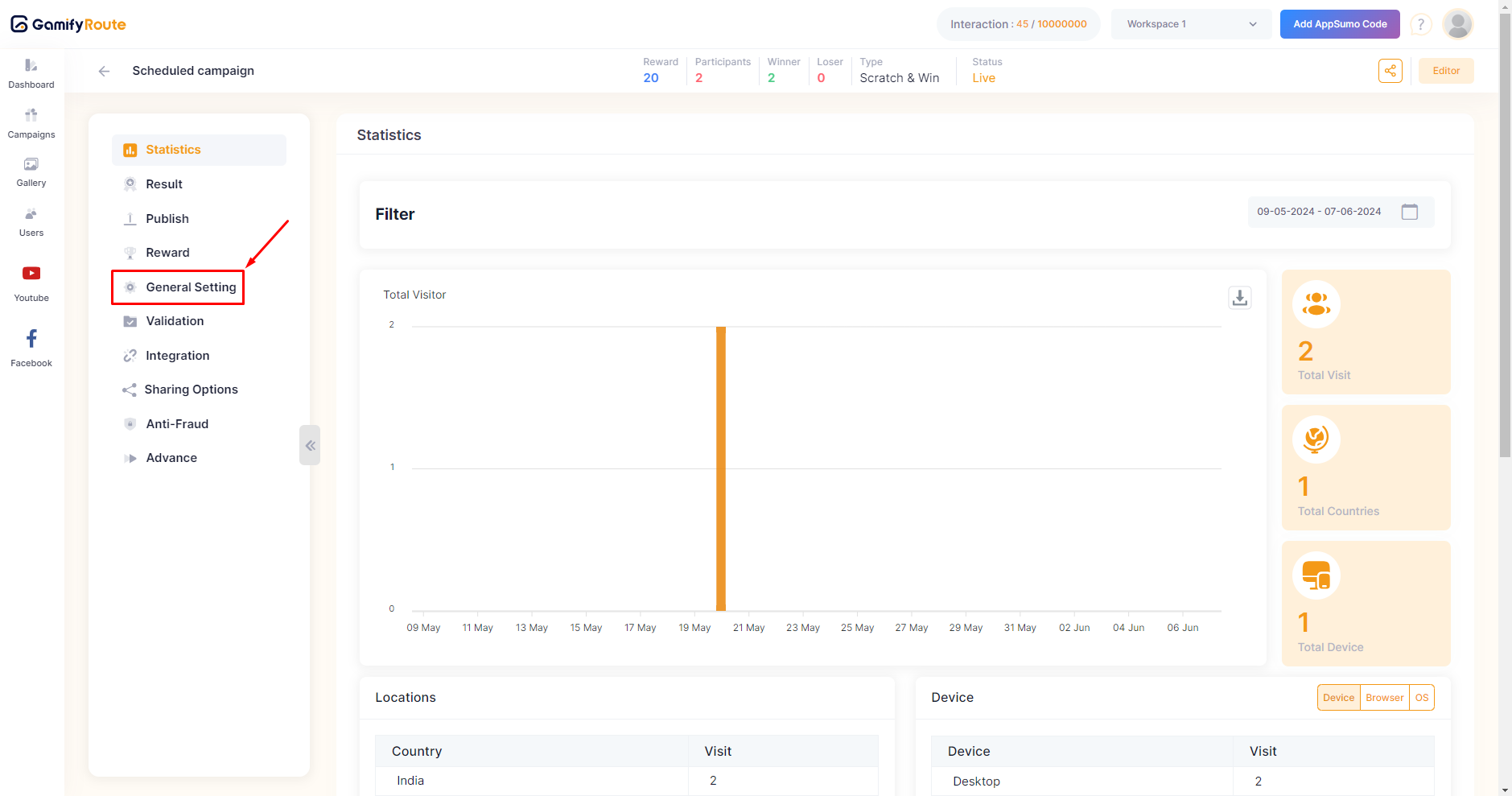
* **Navigate to General Setting**:
* From the main dashboard, select the campaign you want to configure.
* In the left-hand menu, click on **General Setting**.
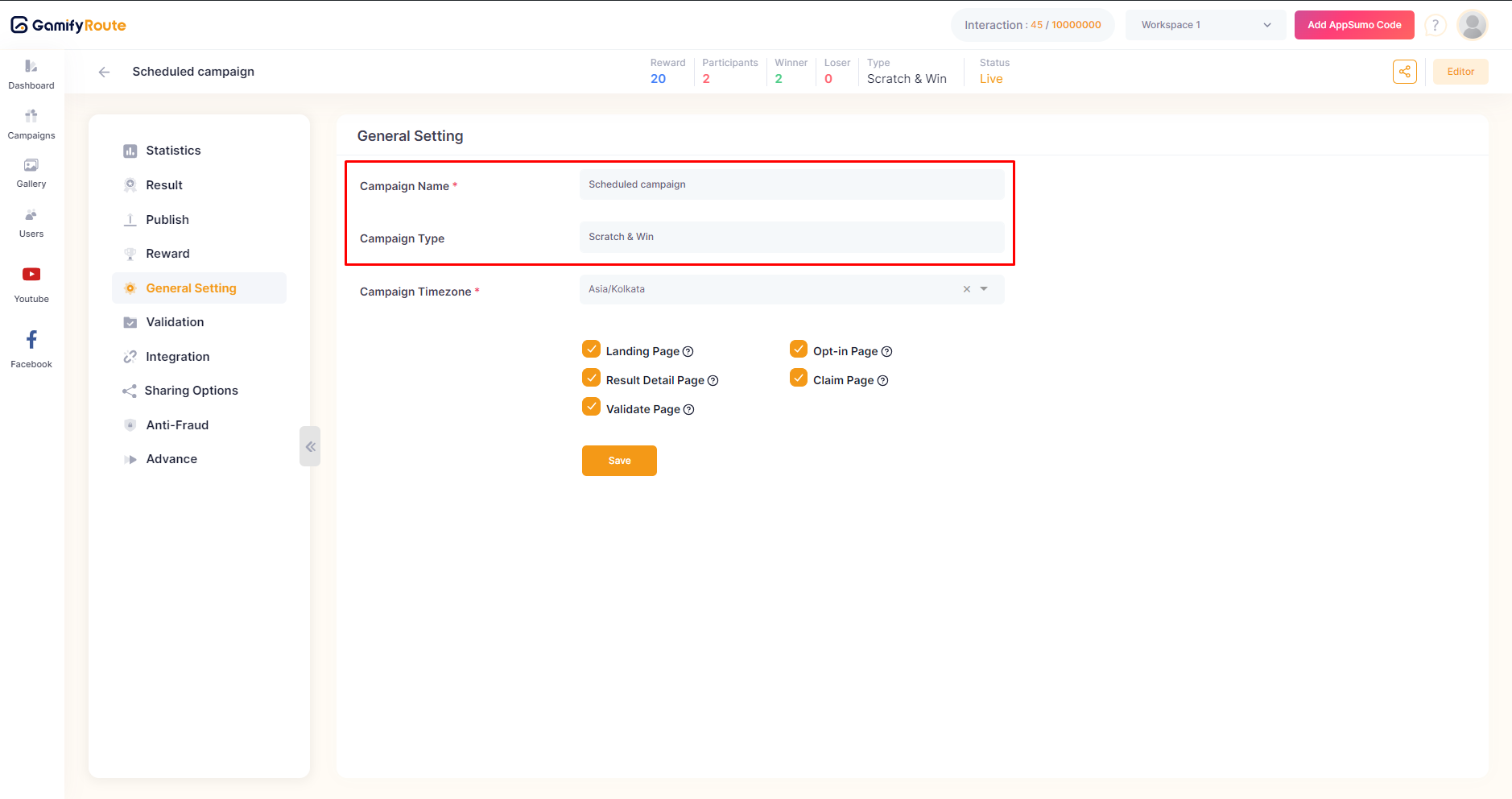
* **Campaign Name and Type**:
* Ensure the C**ampaign Name** is correctly entered. This is how your campaign will be identified.
* Verify the C**ampaign Type** to ensure it matches your campaign's format.
{% hint style="info" %}
You can not edit the **campaign type**. If you want to change it, you need to create a new campaign with desired type.
{% endhint %}
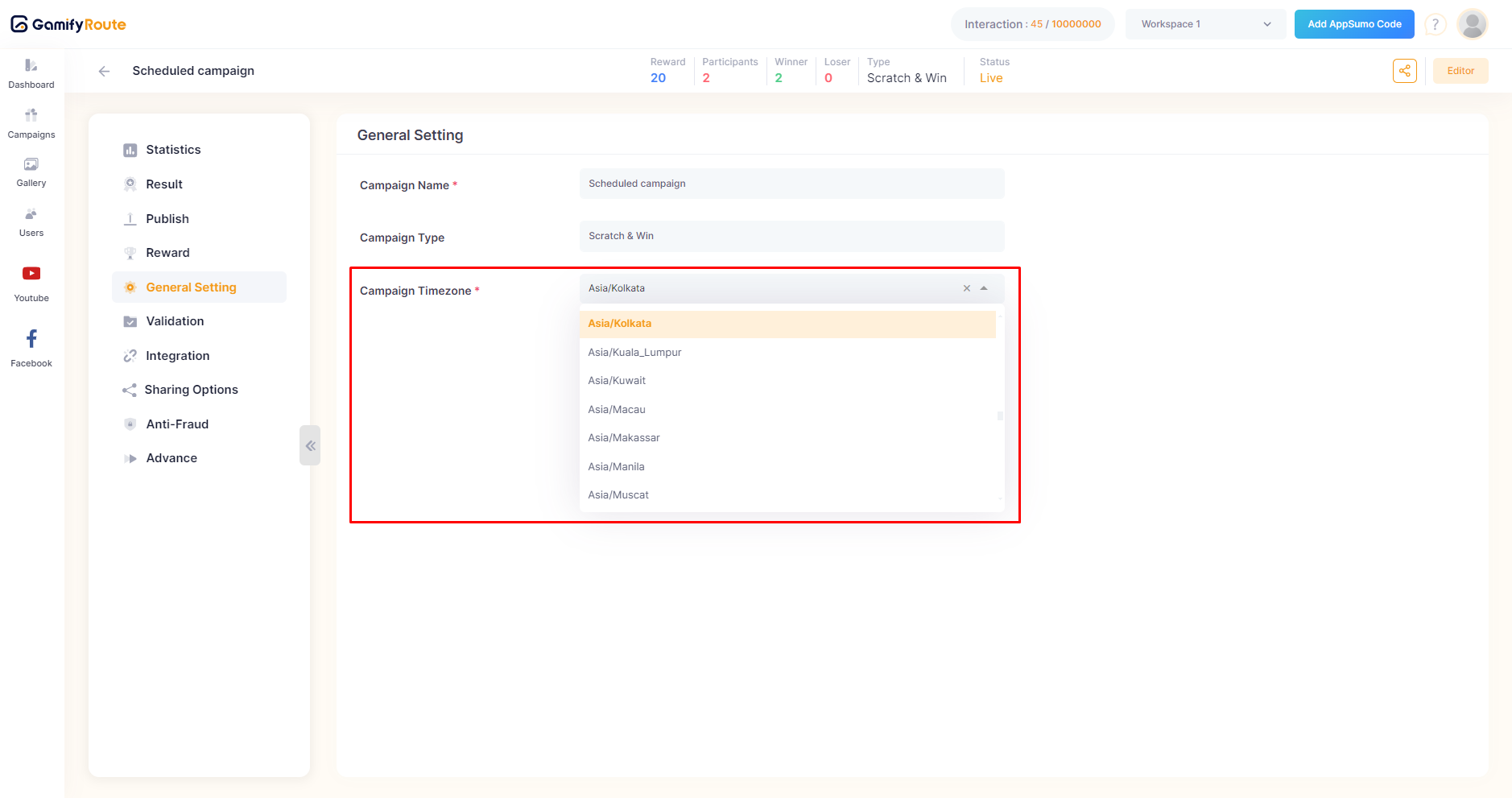
* **Set Campaign Timezone**:
* Select the C**ampaign Timezone** that aligns with your target audience's location. This ensures that the campaign's start and end times are accurate for your participants.
* There are many time zones available in the drop-down to choose from.
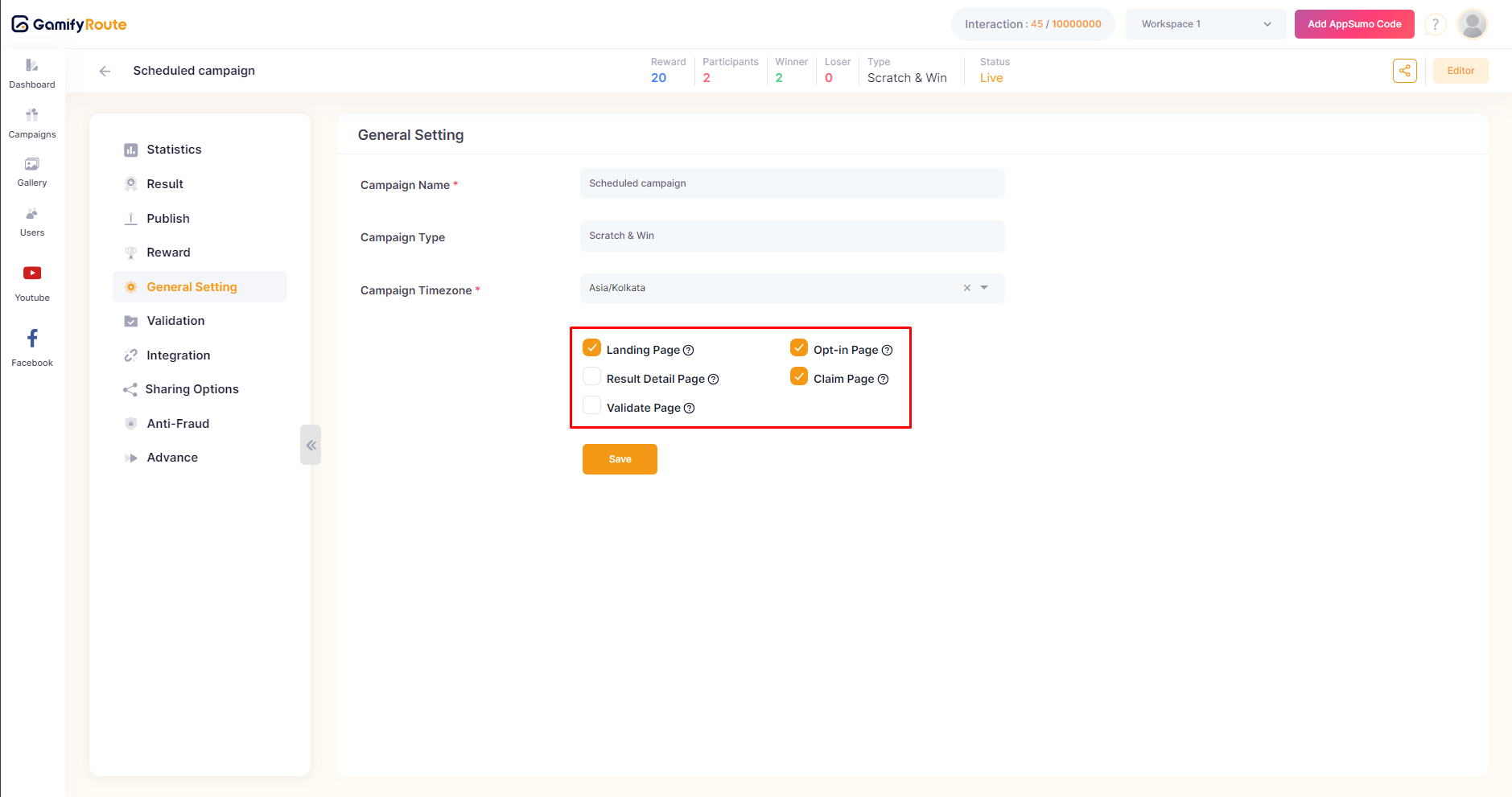
* **Add/Remove Pages**:
* You can add or remove pages in your campaign by toggling the checkboxes:
* **Landing Page**
* **Opt-in Page**
* **Result Detail Page**
* **Claim Page**
* **Validate Page**
* Enable or disable these pages according to the requirements of your campaign.
* To understand different pages functionality, refer [this](https://docs.gamifyroute.com/kb/editor/pages).
* **Save Changes**:
* Once you have configured all the settings, click on the **Save** button to apply the changes.
***
For further assistance, please contact our support team at .
---
# Agent Instructions: Querying This Documentation
If you need additional information that is not directly available in this page, you can query the documentation dynamically by asking a question.
Perform an HTTP GET request on the current page URL with the `ask` query parameter:
```
GET https://docs.gamifyroute.com/kb/campaign-details/general-setting.md?ask=
```
The question should be specific, self-contained, and written in natural language.
The response will contain a direct answer to the question and relevant excerpts and sources from the documentation.
Use this mechanism when the answer is not explicitly present in the current page, you need clarification or additional context, or you want to retrieve related documentation sections.